What This App Does
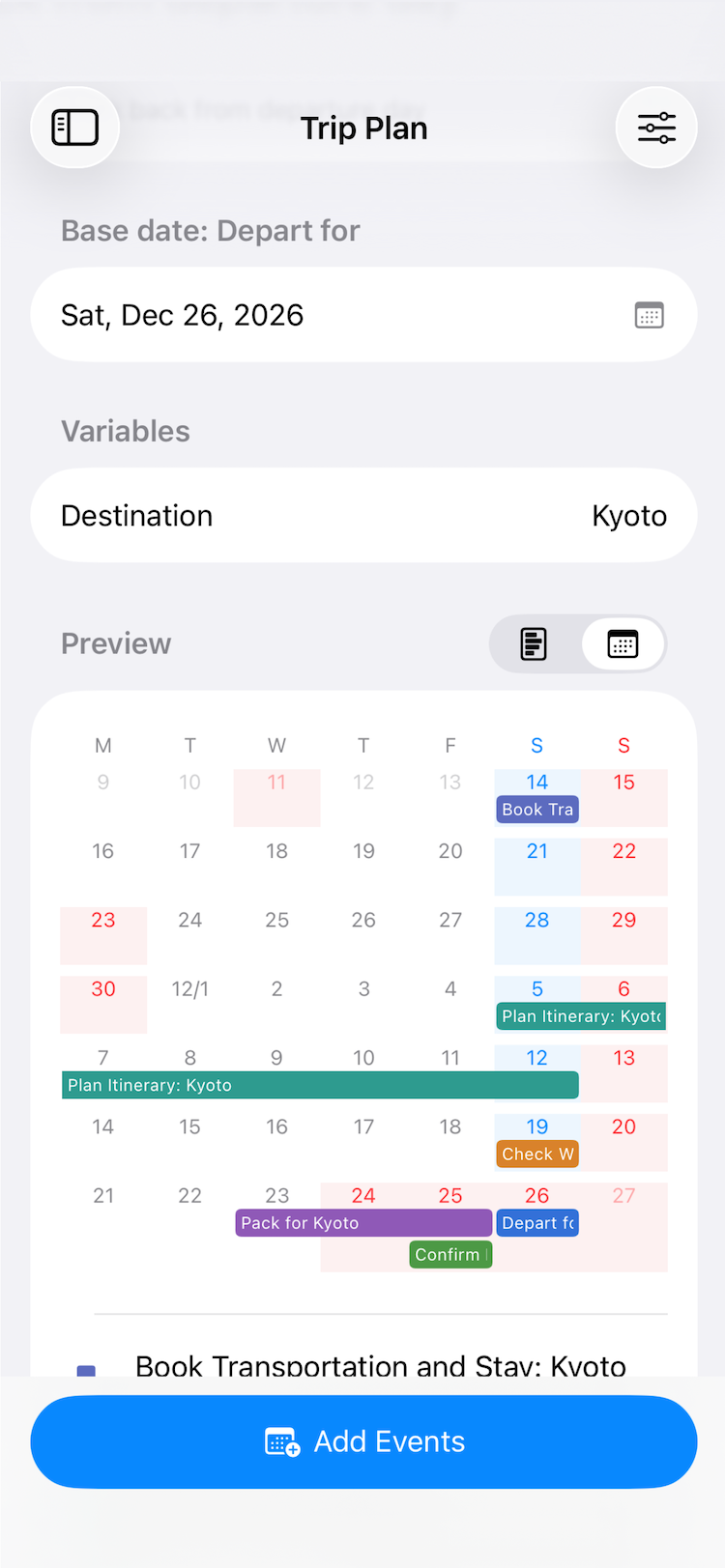
Pick one date. Get the whole set of events.
“Book six weeks before departure, plan the route three weeks before, pack the night before."
"UAT starts the Monday three weeks before the release; the procedure is due the Friday
before.” Save that shape once, and from then on you only choose the date it hangs from.
THESE ARE NOT REPEATING EVENTS
Dates are not “every Monday”. They are counted from the date you pick: so many days, weeks
or months before or after it, optionally snapped to a weekday (“the Monday of the week three
weeks before”). Move the base date and the whole set moves with it.
IT KNOWS ABOUT WEEKENDS AND HOLIDAYS
A period that would start on a day off moves inward, to the first working day. A deadline
that lands on a day off moves earlier, so you are not late. You choose which way, per event.
Holiday calendars are found automatically.
VARIABLES
Put a field like ${PHASE} in a title or in the notes and it is replaced with what you type
when you add the events. Only the part that changes each time is typed each time.
YOU SEE IT BEFORE IT IS WRITTEN
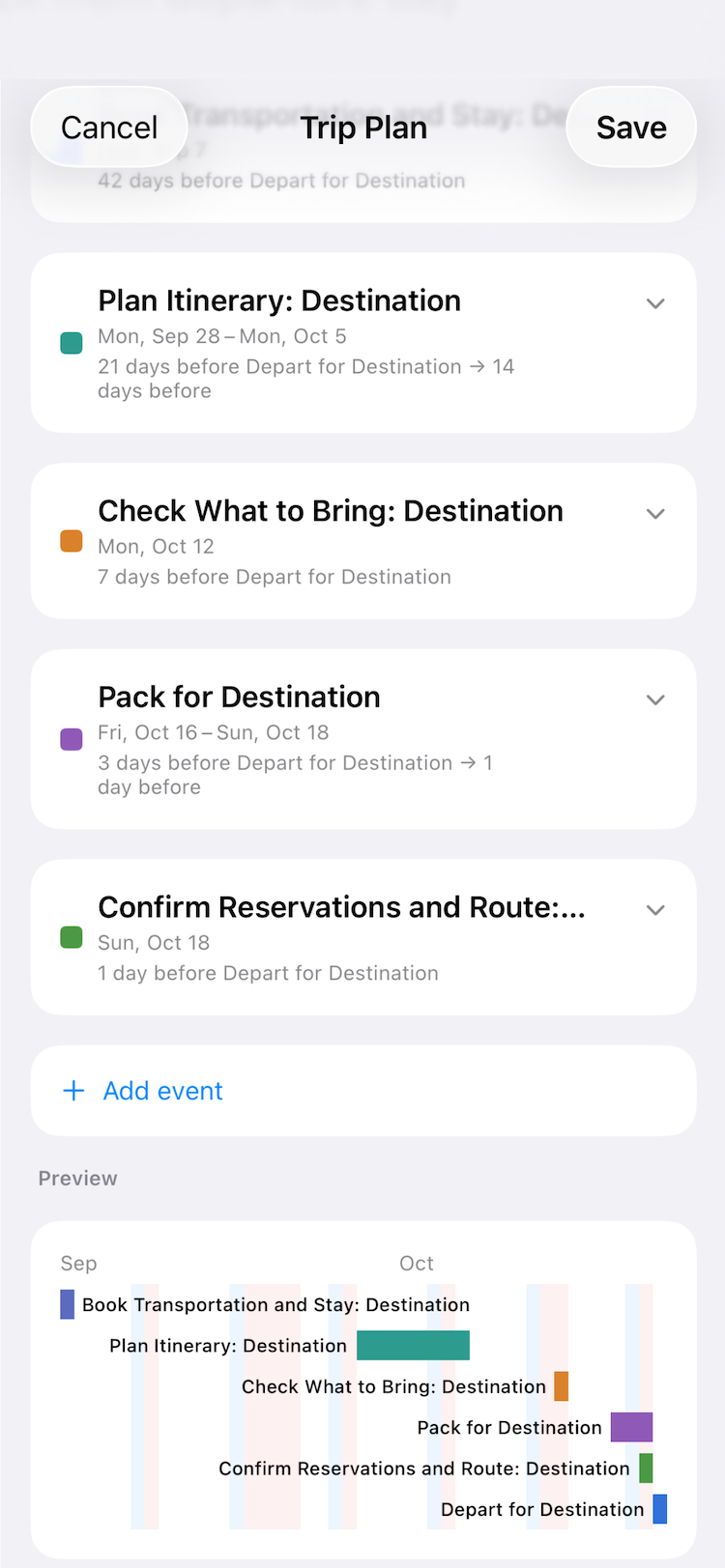
The resolved dates are laid out as bars before anything is saved. Change the base date and
they all move at once. Right after adding, one tap undoes the whole batch.
THEY ARE ORDINARY CALENDAR EVENTS
Everything is saved to the Calendar app, so other calendar apps see it and iCloud syncs it.
Each template writes to the calendar you choose, keeping work and personal apart.
ALSO
Up to two alerts per event (the morning before and the morning of, for example). All-day or
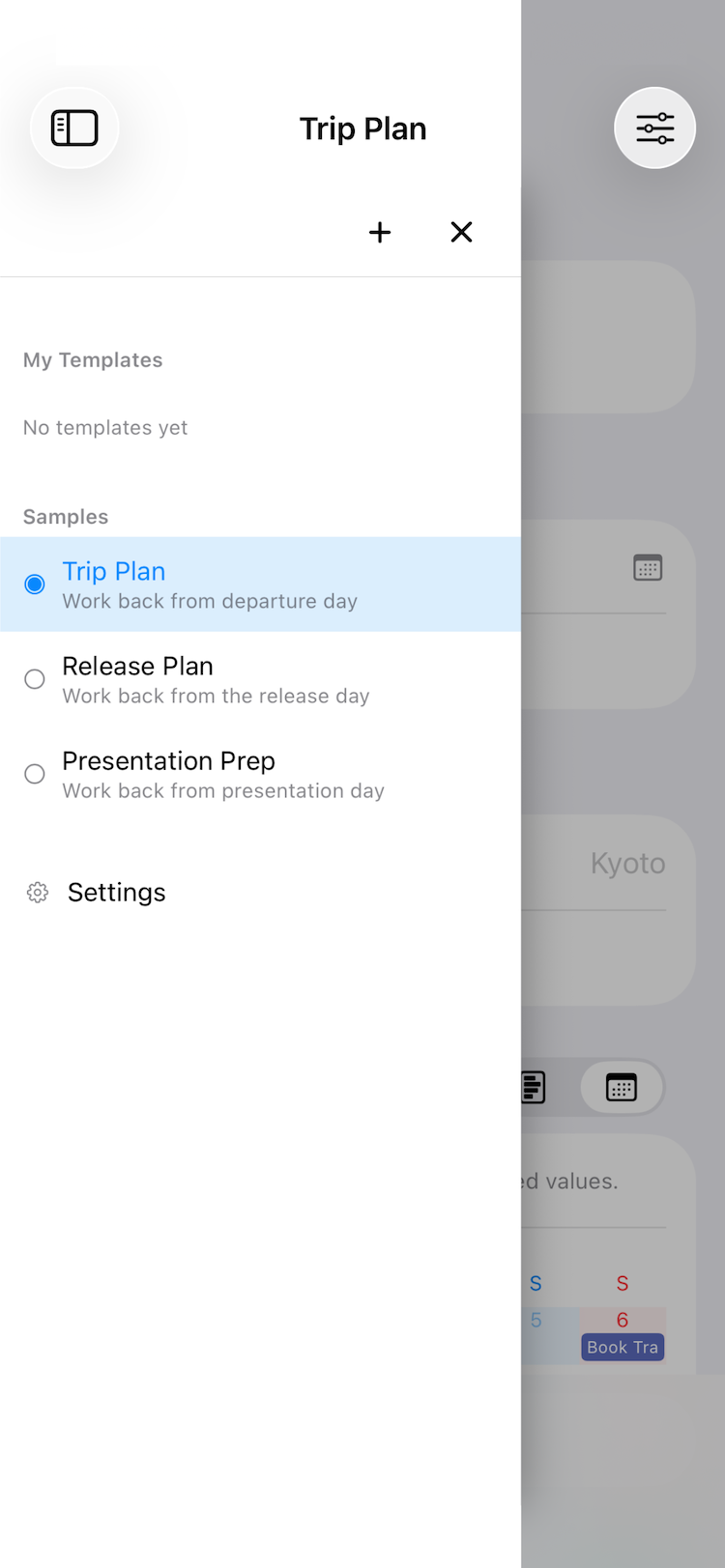
timed. Trip Plan, Release Plan and Presentation Prep ship as samples. Templates sync across
your devices through iCloud.
Full calendar access is required to add events.