What This App Does
Divide Contacts is an app for splitting a full name in the iPhone address book into family name and given name.
More specifically, it can do the following:
- Move the split point between family name and given name
- Swap family name and given name
- Work with both the regular name field and the phonetic name field
Useful If
You may wonder whether such an app is really necessary, but anyone who has tried to clean up names in the standard Contacts app will understand: this task is surprisingly time-consuming.
This app makes it easier, faster, and, honestly, a little fun.
It is not something you use every day. It is most helpful right after importing contacts from a phone or PC, when you want to tidy your address book once in a while, or when you had planned to clean up your contacts but kept putting it off.
What It Does Not Do
Please do not download it assuming these features must exist. They do not.
- It does not split names automatically. Everything is manual.
- It cannot edit groups.
- It cannot delete contacts.
- It cannot even display fields other than name and phonetic name.
How It Works
Suppose you have contacts whose family name and given name are not yet separated.
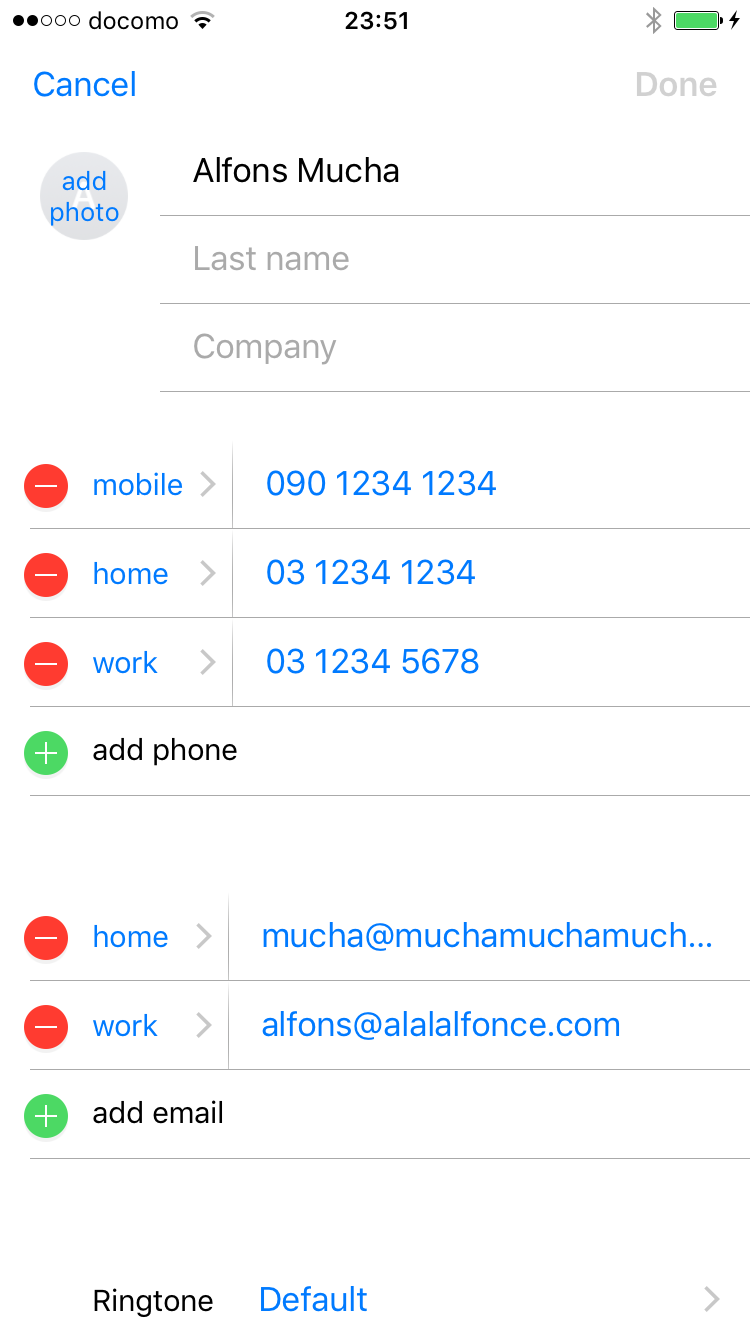
(This screen is from the standard Contacts app, not from Divide Contacts.)
When you open Divide Contacts, it looks like this:
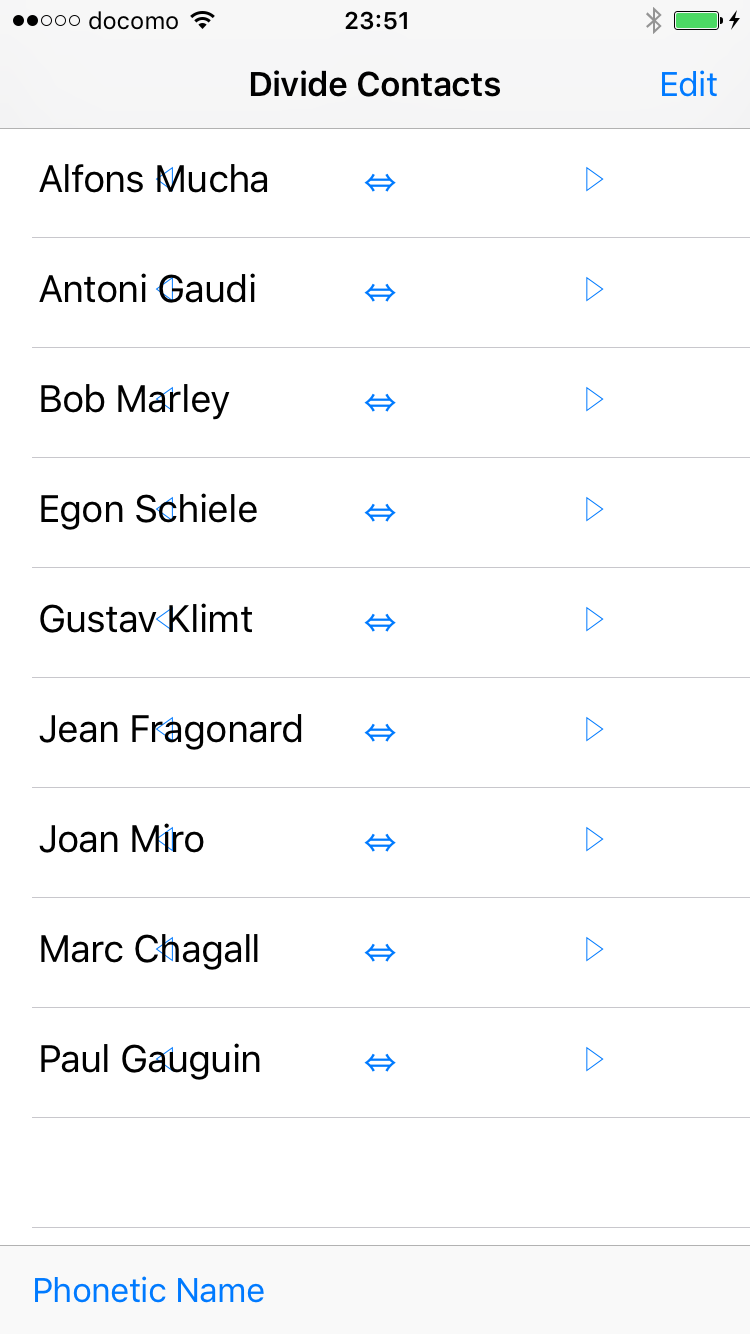
Tap the right side of a row to move one character at a time from family name to given name.
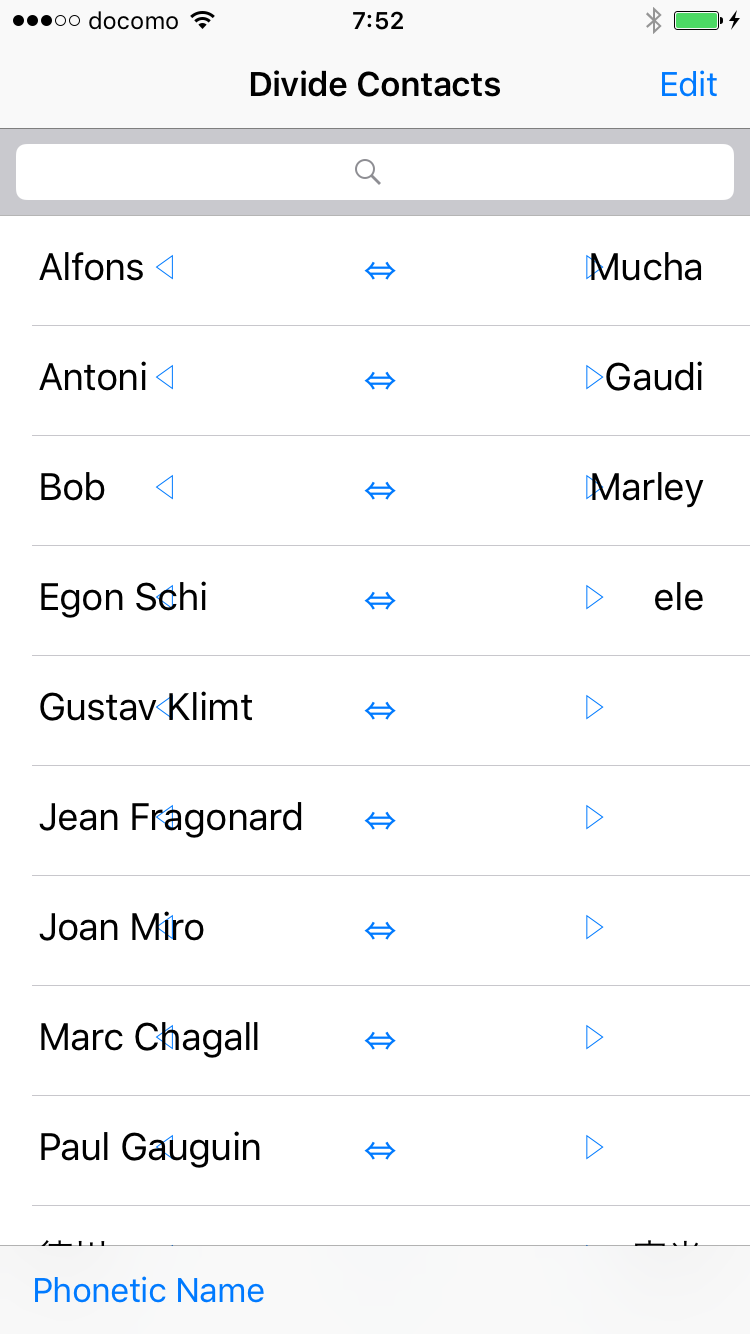
This kind of work may not look exciting in screenshots, but it is oddly satisfying.
If you tap the arrow button in the middle, the family name and given name are swapped.
To edit phonetic names, switch the screen with the button at the bottom left.
After splitting, the address book looks like this.
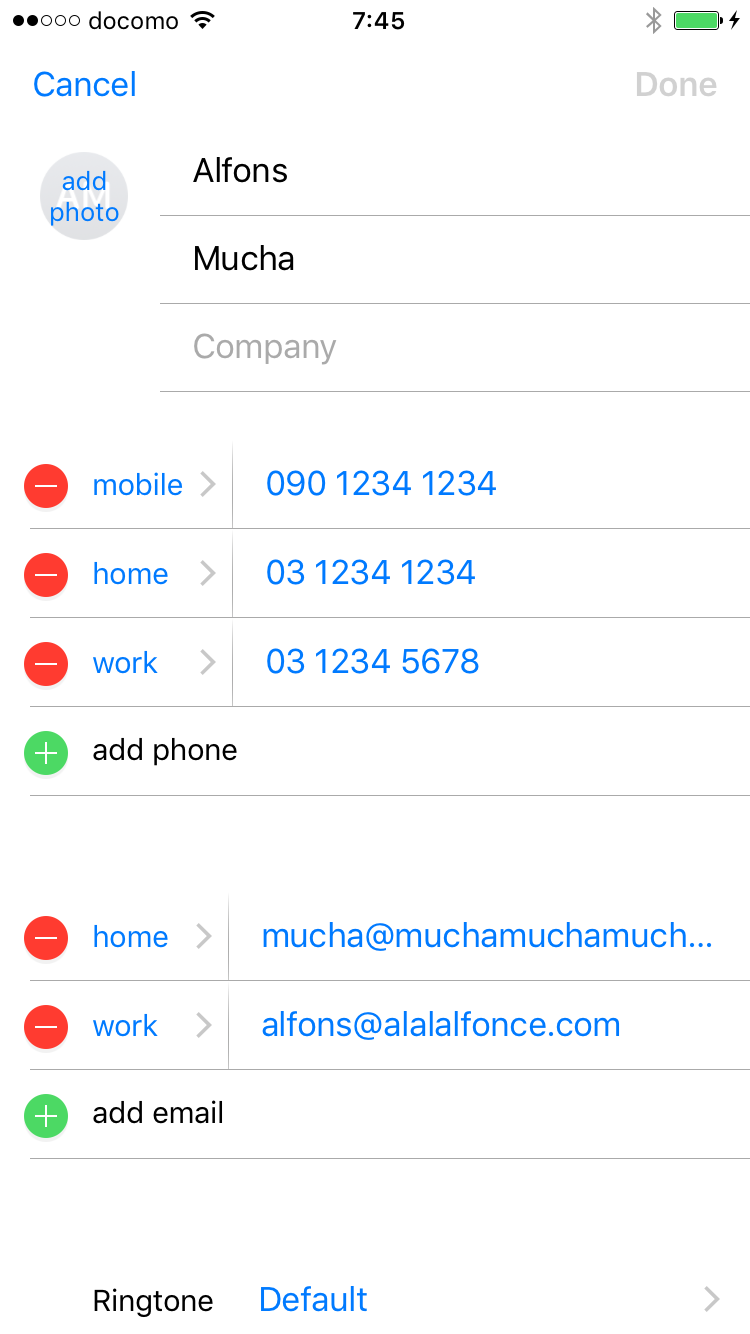
(This screen is also from the standard Contacts app.)