What This App Does
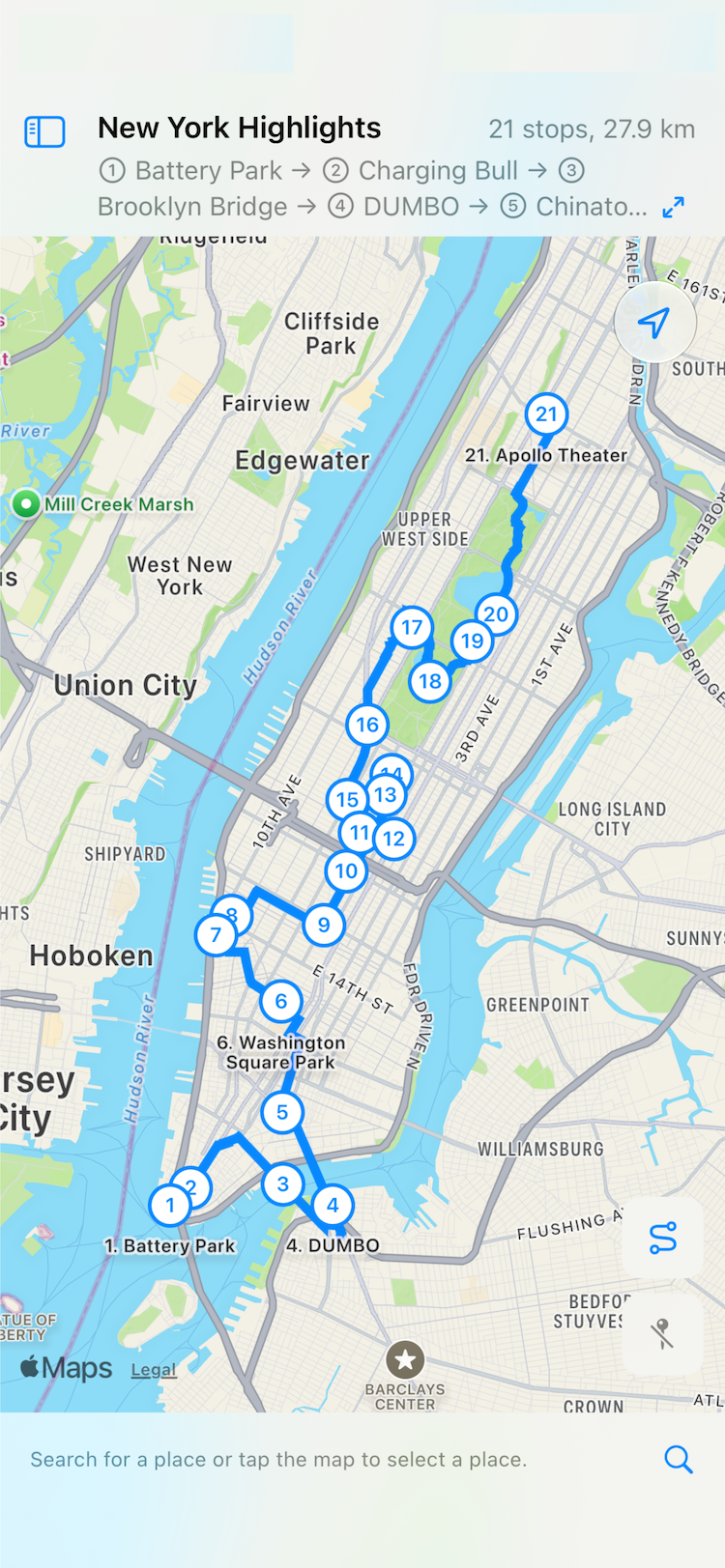
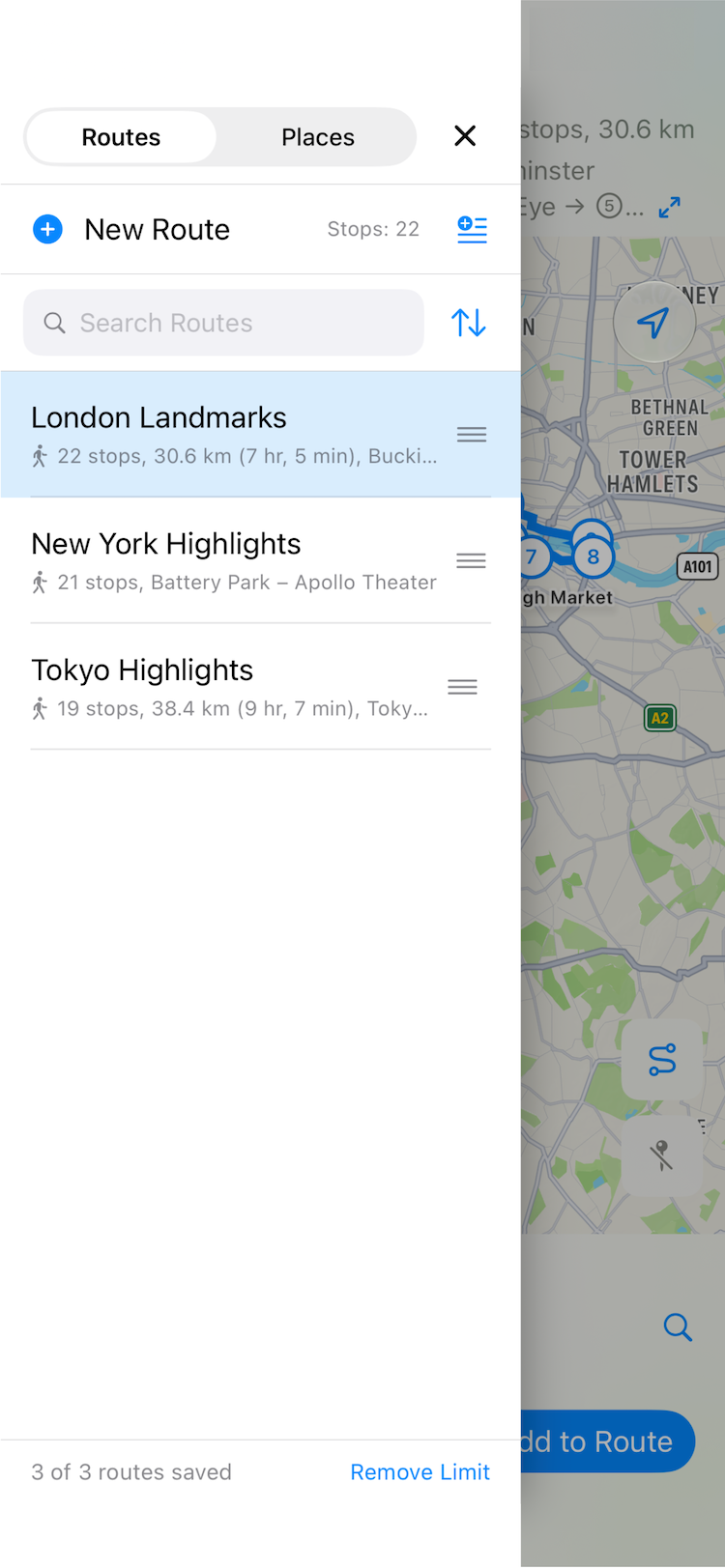
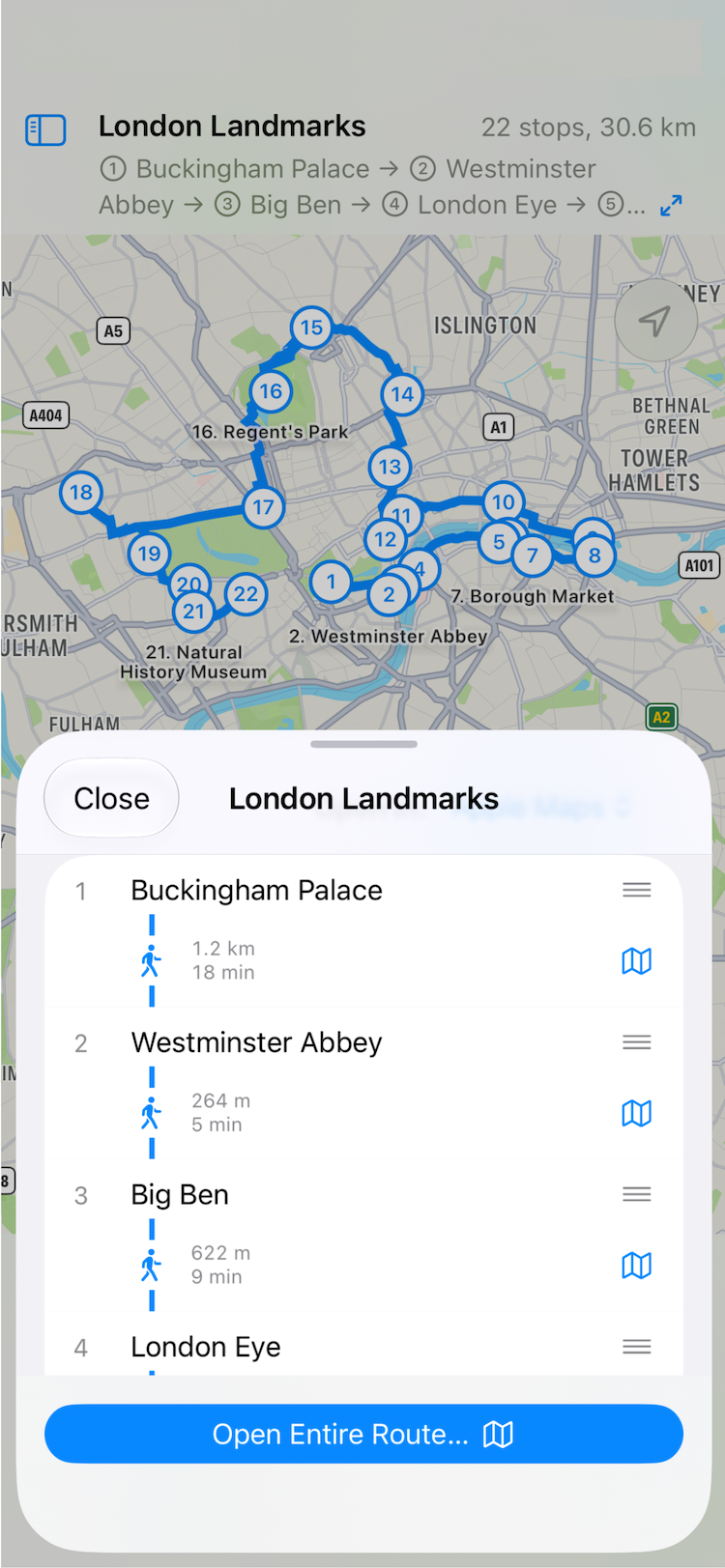
Save the places you want to visit as a route, in order, under a name you choose. A route can have as many stops as you like and still stays one route.
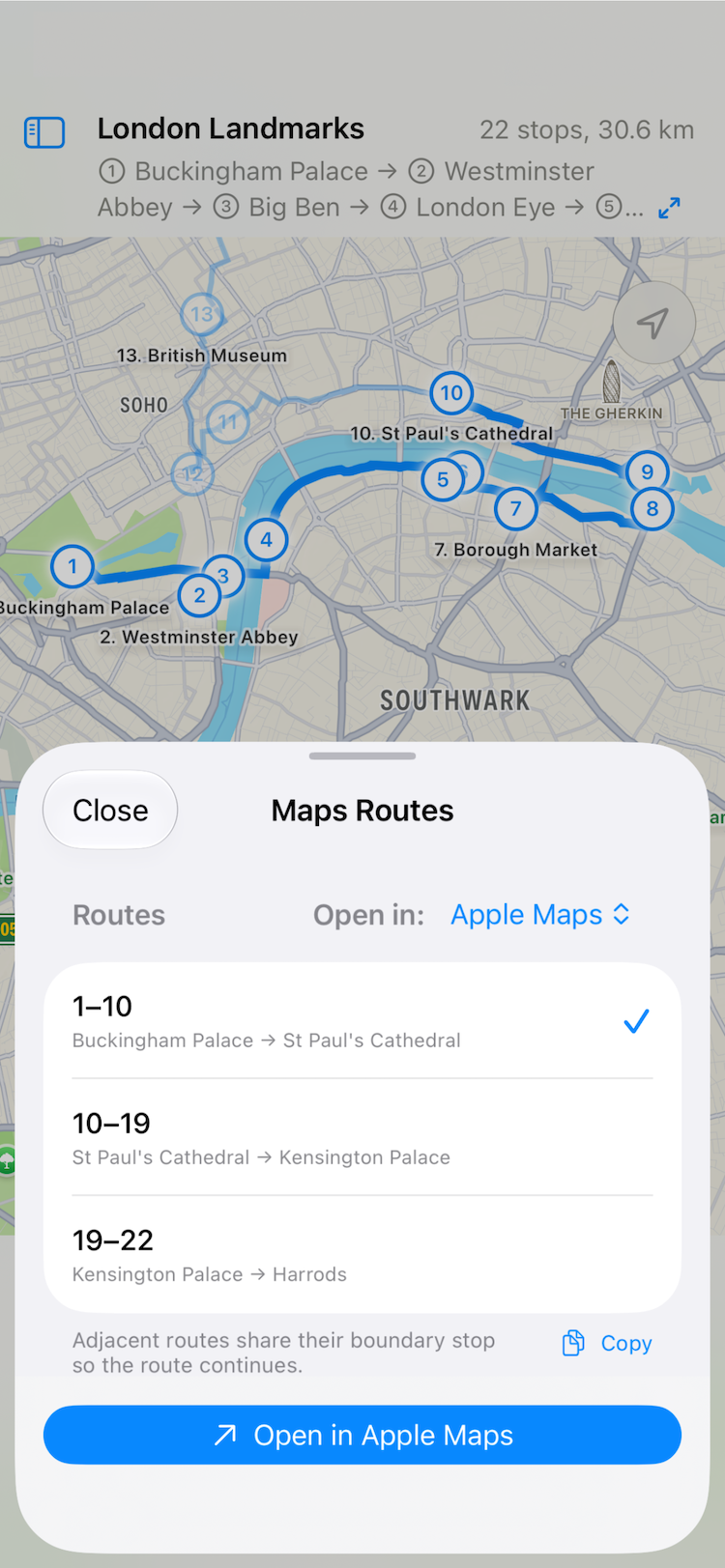
Open in Maps
Open a saved route in Apple Maps or Google Maps. A route with many stops is handed over ten stops at a time, so it stays within what each app can open, and you choose which part to open.
Build a Route
- Tap the map or search for a place to add a stop
- Pick from places you have saved as favorites
- Paste text: the route name on the first line, then one stop per line
- Receive a route from another app through a URL
Pricing
The free version saves up to 3 routes. Buy once to save as many as you like. Favorite places are never limited.
Your Data
Routes and places sync through iCloud across devices signed in to the same Apple Account. No sign-up is needed.