
What This App Does
Reorder Contacts is an app for reordering the addresses of people who have multiple email addresses in the iPhone address book.
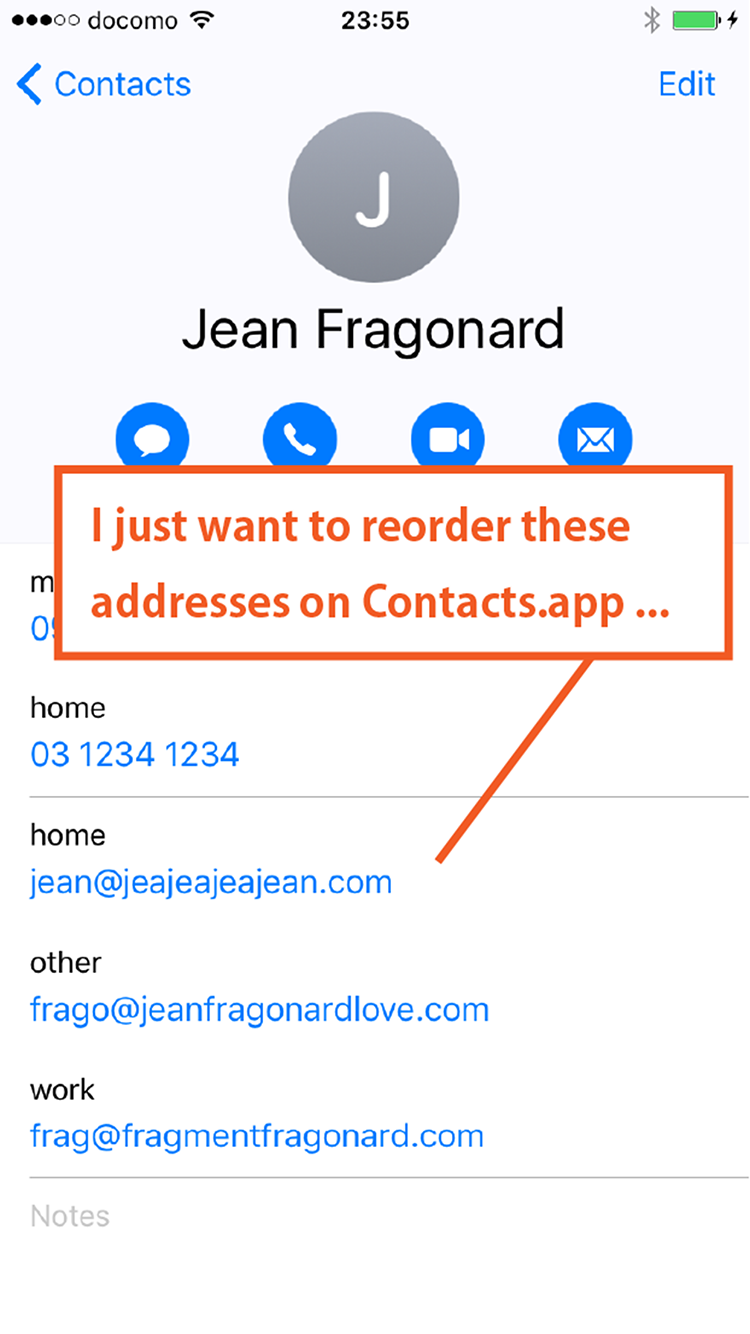
(This screen is from the standard Contacts app, not from Reorder Contacts.)
I kept wondering why this feature did not exist, no matter how much I tried with the standard Contacts app or looked for it on the App Store.
When someone tells you, “I changed my address,” you add another entry, and after a while you start wondering which one is the main address. This app helps you move the important ones to the top.
How It Works
When you open Reorder Contacts, it shows a list of people who have multiple addresses. Drag the handle on the right to reorder them.
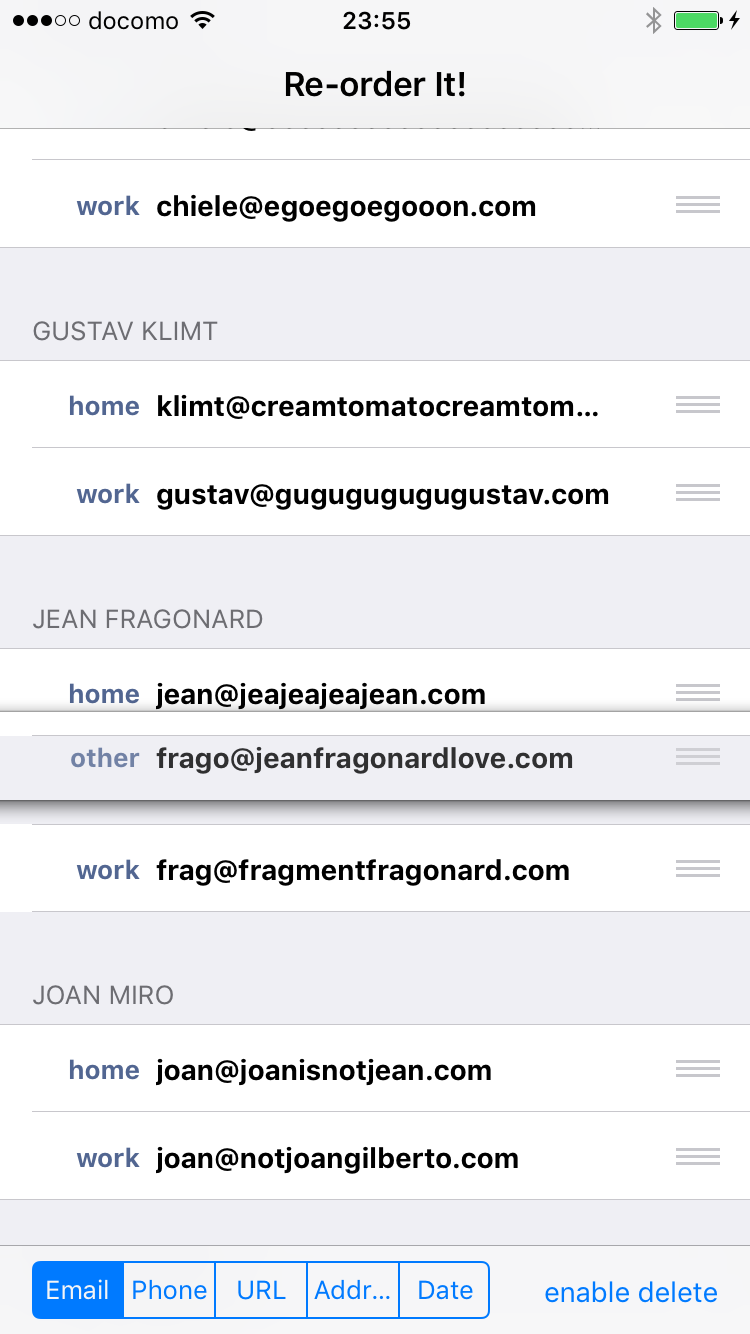
It may not fully come across in screenshots, but this sorting work is strangely satisfying.
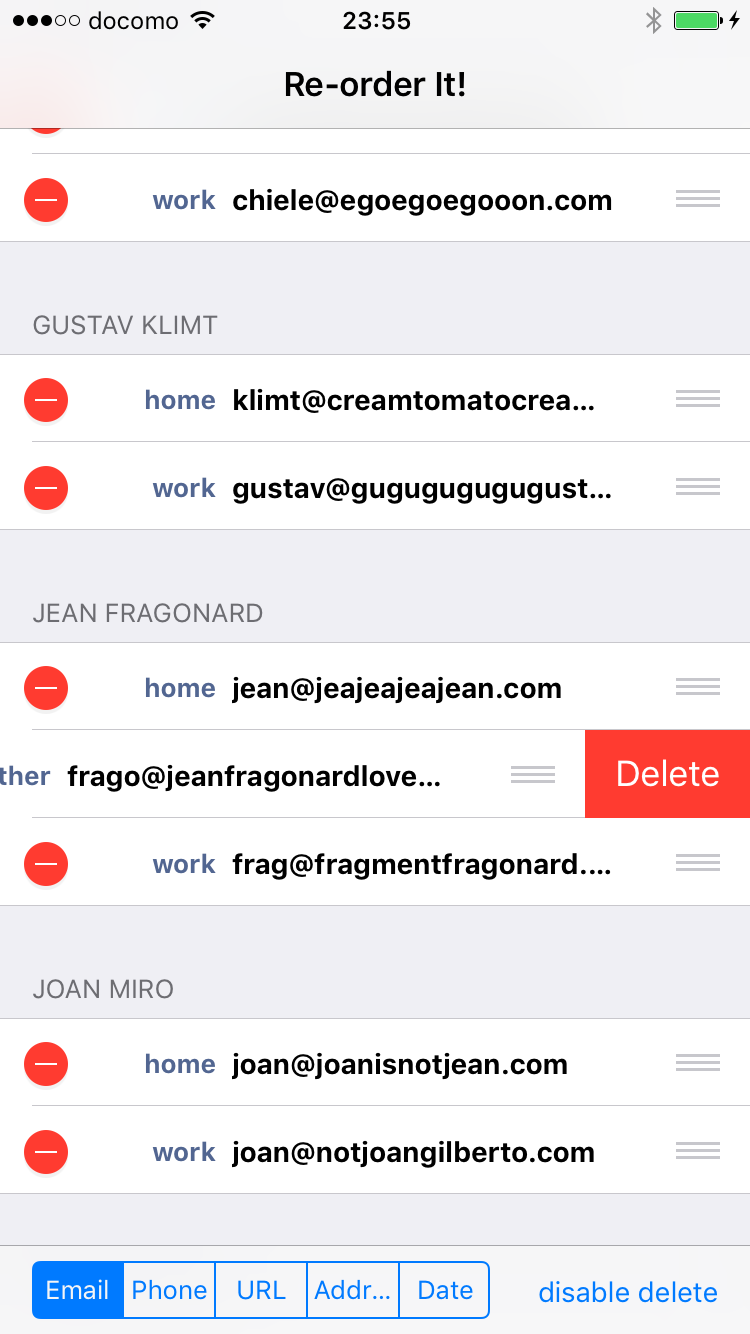
While reorganizing, you may notice addresses you no longer use. For that reason, the app also lets you delete them. Switch modes with the button at the bottom right.
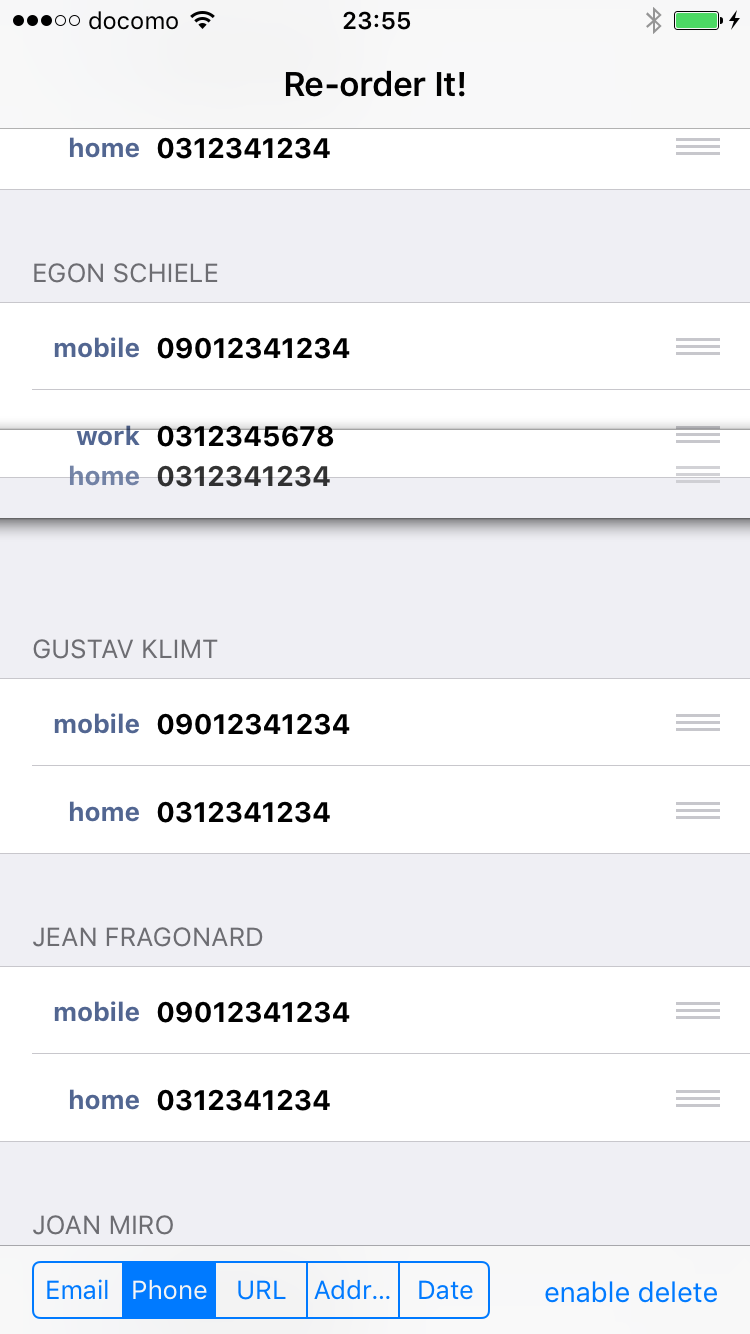
You can reorder phone numbers as well. Switch to phone numbers with the button at the bottom left.
Known Issue on macOS
Updated September 22, 2026. On macOS, changes to a contact that has a note attached cannot be
saved. When this happens, the app shows an error containing Cocoa error 134092.
This is a restriction in macOS itself. To save such a contact, an app has to hold a special entitlement from Apple for the Notes field, even though Reorder Contacts never reads, shows or changes notes. Contacts imported from a vCard file are affected as well, even when the Contacts app shows no note on them. That is why, on some Macs, every entry fails.
I have reported this to Apple as a bug (FB23452026) and applied for the entitlement the app needs to save these contacts. Requests like this take several weeks, and I will update this page as soon as I know more.
Until then:
- The iPhone and iPad version is not affected. It is the same purchase, so if you bought the app on your Mac it is already available on your other devices at no extra cost, and your changes sync back to the Mac through iCloud.
- If you would rather not wait, you can request a refund at https://reportaproblem.apple.com.